The line is the first thing your guests see
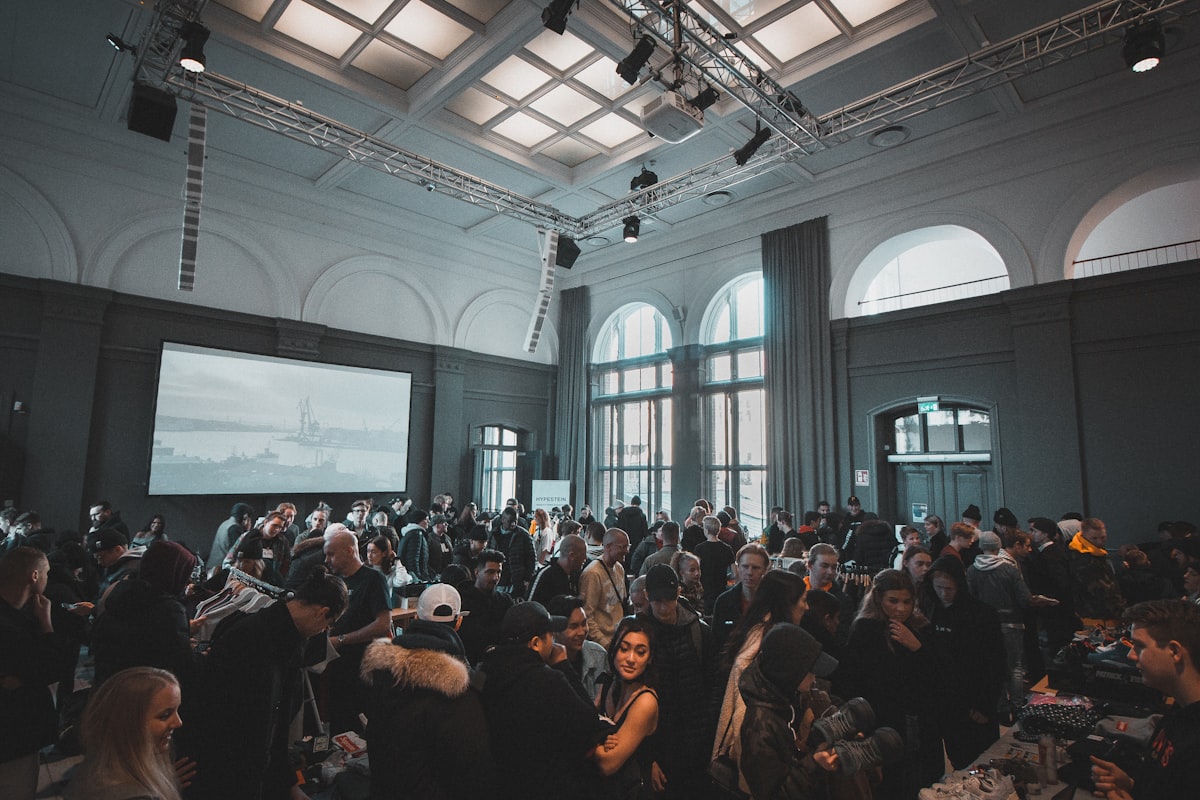
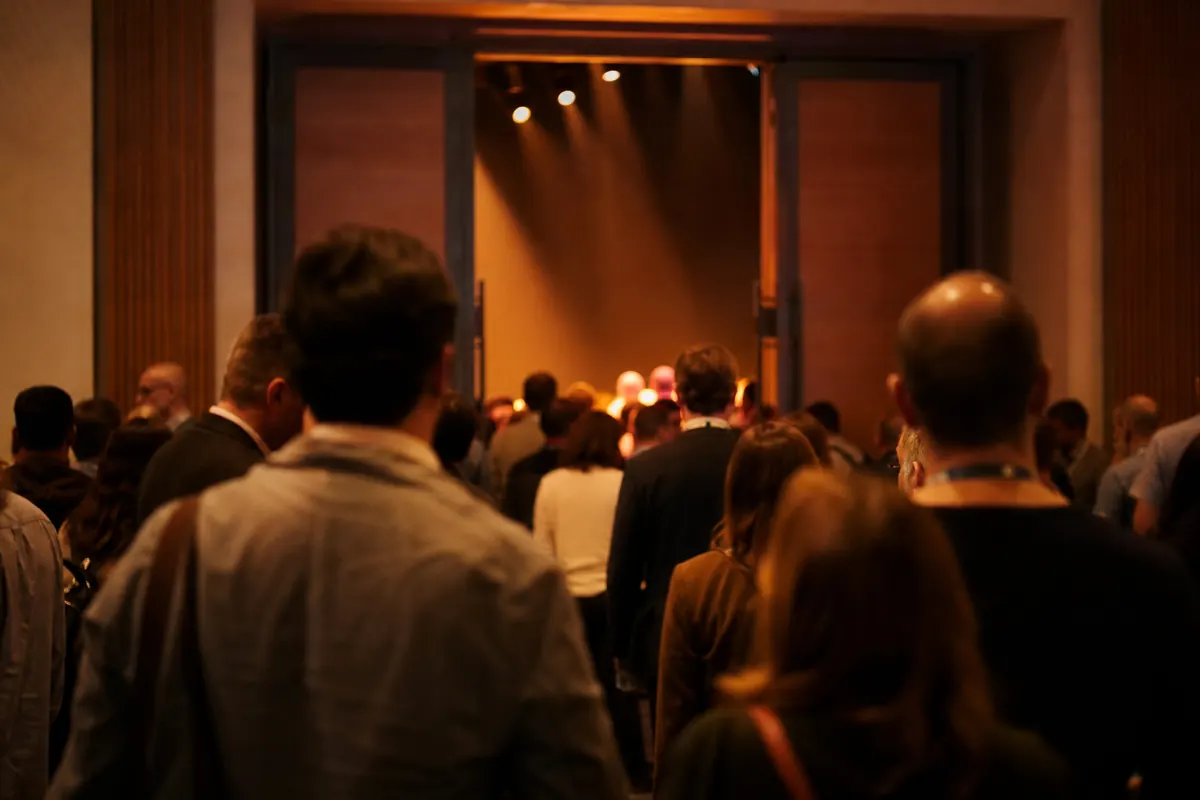
A face-painting tent at a school fair, a merch table after a show, a bakery that sells out of croissants by ten: these lines don't last long, but they still fail the usual way. People stand in a queue they can't see the end of, guess how long it will take, and leave. Whoever runs the stall spends the afternoon managing the crowd instead of serving it.
A virtual line fixes that. Instead of holding a spot by standing in it, each guest holds a number on their phone and goes off to do something else until it is their turn. waitlistn is a virtual line built for exactly these short-lived, high-energy lines at pop-ups, small businesses and events.
Why the first impression matters more than most hosts realize
Before a single product is sold or a single service is delivered, the line is your guest's first real experience of your operation. A chaotic, shapeless crowd signals disorganization. A clearly managed queue — even a virtual one visible only on a phone screen — signals competence and respect for people's time. That perception shapes how guests feel about everything that follows.
Crowd psychology research has long established that the perceived wait is often more damaging than the actual wait. When people can see a defined end point — a number on their phone, a position in a queue, an estimated wait — their tolerance for waiting increases substantially. The uncertainty of an unmanaged crowd is what drives people away, not the wait itself.
The hidden cost of a physical queue at a pop-up event
At a fixed venue like a stadium or theatre, a physical queue is contained and expected. At a pop-up, a street market stall, or a temporary event space, a physical queue creates problems that compound quickly:
- It blocks foot traffic. A line that spills into an aisle or walkway creates friction for every other vendor or attendee nearby — and can create genuine safety concerns in dense environments.
- It is self-limiting. Many guests look at a long physical queue and simply don't join. You lose customers before they ever speak to you.
- It ties your staff to crowd control. At a small stall or pop-up, the person managing the line is often the same person who should be serving customers, taking payments, or answering questions.
- It creates disputes. Without a clear system, arguments about who arrived first are common. They are uncomfortable for staff and off-putting for other guests.
What guests actually want from a short-lived line
The expectation at a pop-up or event is different from a hospital waiting room or a government service counter. Guests are there because they want to be — they are excited, they are browsing, they are socializing. A good queue system at this kind of event should work with that energy, not against it.
Releasing guests to explore, grab a drink, or watch a performance while they wait turns dead queue time into additional event engagement. For the host running the stall, it means the people who appear at the counter are ready, confirmed, and in order — rather than a restless crowd that needs to be managed and appeased simultaneously.
That is the practical case for a virtual line before you get into any of the technology. The tool matters less than the principle: give people a defined place in an ordered system, give them the freedom to wait somewhere other than directly in front of you, and notify them when their moment arrives.
How it works
The host shows a QR code
The person running the line opens waitlistn on their own phone and puts the QR code where guests will see it: on a sign, on the table, or held up on the phone screen. That is the whole setup.
No printer is required, though printing a single A4 sheet and laminating it is a popular choice for repeat events. Hosts running outdoor markets often prop the printed code against a display stand at the front of the stall. Indoor venues with check-in tables tend to tape the code to the front edge of the table, keeping it visible to anyone approaching from any angle. The key placement principle is simple: the QR code should be the first thing a guest's eyes land on, not something they have to search for after they have already started forming a physical queue.
Because the QR code is tied to a live session rather than a static form, the host can pause, close, or reopen the line from the same screen at any point. If a rush hits unexpectedly, the code stays active. If the event wraps early, the host closes the line and no new guests can join.
Guests scan to join
Each guest scans the code with their phone camera. They don't download an app or make an account. Their spot opens in the browser with their own number and a live place-in-line page that updates as the line moves.
This frictionless entry point matters more than it might appear at first. Research in queue psychology consistently shows that the act of joining — the moment a person secures a place — is what reduces anxiety and increases willingness to wait. A virtual queue delivers that confirmation instantly and visibly. The guest sees their number, they see movement, and they understand the system within seconds of scanning.
Guests are typically prompted to enter a name and, optionally, a contact method such as a mobile number or email address. Neither field requires verification, which keeps the join time under thirty seconds for most people. Guests who are less comfortable with smartphones can be added manually by the host directly from the management screen, meaning no one is excluded from the experience just because they prefer not to scan.
The host calls them when it is their turn
When it is someone's turn, the host notifies them by text message, WhatsApp or email, or the guest simply watches their page. In the meantime they can browse the market, finish their drink or keep watching the show.
This is where the operational benefit becomes tangible. A physical queue ties guests to one spot and ties staff to managing that spot. A virtual queue dissolves both constraints at once.
What the notification moment looks like in practice
Consider a craft spirits pop-up running tastings for groups of four. The host is pouring, explaining, and answering questions — essentially presenting — while simultaneously managing turnover. With a physical queue, the next group is standing within earshot, often interrupting the current tasting. With a virtual queue, the host finishes the session, taps to notify the next group, and has a natural thirty to sixty seconds before they arrive. That window is enough to reset glasses, take a breath, and start fresh.
At a ticketed gallery preview, the same principle applies differently. Guests notified by text can continue viewing other rooms and arrive at the featured installation when it is genuinely their turn, rather than hovering at the entrance and creating a secondary crowd that disrupts the experience for everyone inside.
- Text or WhatsApp notification: reaches guests wherever they are on-site, ideal for larger or multi-room venues
- Email notification: useful for guests who entered a work address and may be checking intermittently
- Passive page watching: preferred by guests who want to monitor their position without waiting for a ping, and requires no contact details at all
The host controls which method is used on a guest-by-guest basis, so a mixed crowd — some tech-comfortable, some not — can be managed within the same queue without any workaround.
Running the line from one phone
The host side is one phone screen. It shows who is waiting. The host can swipe to notify or remove someone, call the next person, and add walk-ins by hand with a name, a party size and how to reach them. Someone without a phone can still join: add them by name and choose no notification.
For lines that run out, such as limited bakes, sneaker releases or signed copies, the host can set how many are available and a per-person limit. Guests see roughly what is left when they reach the front, which saves a lot of disappointment at the counter.
What the host screen actually shows you
At a glance, the host view functions like a live dashboard rather than a static list. Each entry shows the guest's name, party size, position in the queue, and the channel you have to reach them — text, in-app notification, or a manual flag for no-contact entries. Color or status indicators tell you at a glance who has been notified and is presumably on their way, who is still waiting, and who has been served or removed. That single column of information replaces the clipboard, the sticky-note system, and the shouted name at the door.
Because everything lives on one screen, a solo operator — a baker running a Saturday pop-up, a designer dropping a capsule collection from a market stall — can manage intake, service, and communication without a second staff member. The operational cost of queue management drops to zero beyond the device already in your pocket.
Managing the unexpected mid-event
Real events rarely run as planned. A limited-release line fills faster than expected. A guest who joined remotely arrives early and needs to be bumped forward. A no-show sits at position two while the rest of the line waits. The one-phone model is designed for exactly this kind of improvisation.
- Manual reordering. The host can drag or override positions when a VIP, a pre-paid guest, or an accessibility accommodation needs to be handled outside the standard queue logic.
- On-the-spot removal. No-shows can be cleared immediately, collapsing the wait for everyone behind them. In a line of twenty people, removing one no-show at position three has an outsized effect on perceived wait time — a principle well-documented in queue psychology research going back to Larson's foundational work on the psychology of waiting.
- Adding walk-ins mid-session. A guest who approaches after the QR code has been taken down, or who simply prefers to ask in person, can be added manually in under ten seconds. They slot into the live queue at whatever position the host assigns.
Setting limits before the doors open
The inventory and per-person limit features deserve particular attention because they address one of the most emotionally charged moments in pop-up retail or event service: the point at which supply runs out. Setting a hard item count before the line opens does several things simultaneously.
First, it creates honest expectations. Guests who join when fifteen units remain are not surprised when they reach the front; they saw the count drop in real time. Second, it reduces the confrontational dynamic that falls on front-line staff when a guest discovers the item is gone only after waiting. Third, it discourages over-ordering by single guests when a per-person cap is visible from the moment someone joins.
For event types where this matters most — food pop-ups with a fixed batch, art print drops, sample sales with a defined inventory — establishing the count at setup takes thirty seconds and eliminates a category of problem that no amount of staff training can fully prevent.
Handing off between staff mid-event
If a second team member needs to take over the host screen — a shift change at a multi-hour market, a break for the solo operator — the queue state is not lost. Whoever picks up the host role sees the same live list. There is no re-keying, no verbal handoff of who-is-where, and no risk that a guest who joined an hour ago falls through the cracks during the transition.
Where it fits
- Food trucks: customers order at the window, wait anywhere, and get a text when their food is ready.
- Restaurants: parties scan to join, see a quoted wait, and get a text when their table is ready.
- Salons and barbershops: walk-ins take the next chair or ask for a particular stylist or barber, and get a text before their turn.
- Bakery and product drops: a numbered line for limited stock, so nobody has to camp out.
- Merch tables and book signings: fans keep enjoying the event instead of standing in a second line.
- Sample sales: let shoppers in by group as the room frees up.
- One-day events: face painting, Halloween makeup stations and beauty pop-ups at markets and expos.
Why the physical format of the venue matters
The common thread across every scenario above is a mismatch between space and demand — more people want access to something than can have it at once. What changes is the physical shape of that constraint. A food truck has a single service window and a narrow strip of sidewalk. A sample sale has a room capacity and a door. A book signing has one author and a table. The queue tool itself stays the same; what shifts is how you display the QR code and how you manage the cadence of calling people forward.
Outdoor venues — markets, festivals, fairgrounds — benefit most from the virtual queue approach because there is rarely a natural barrier that forces people to stand in an orderly line. Without a physical corridor or rope guide, crowds spread out, and stragglers lose their place, leading to disputes and frustration. A QR code on a sandwich board or a laminated card zip-tied to a tent pole turns an amorphous crowd into an ordered list, without requiring any infrastructure beyond a phone signal.
Situations where the virtual queue is especially high-impact
Some use cases see a disproportionate benefit because the alternative is particularly unpleasant:
- Limited-edition drops and product releases: When a bakery releases a small batch of croissants or a pop-up brand sells numbered prints, people will arrive early and stand for extended periods. A virtual queue lets the operator open sign-ups at a set time, cap the list at the available quantity, and tell every other arrival clearly that the stock is gone — before they wait at all.
- Multi-attraction venues: At a market or expo with several busy booths, a guest who is third in the virtual queue at one stand can simultaneously browse two aisles away. This turns dead waiting time into active dwell time — which is good for the guest and good for every other vendor on site.
- Children's activity stations: Face painting, glitter tattoos, and costume character meet-and-greets draw long, impatient lines. Parents with young children find physical queuing particularly hard to manage. A text notification lets families ride the carousel or get a snack and return just in time, reducing visible congestion around the activity and the stress on staff managing that space.
- High-turnover beauty services at pop-ups: Nail wraps, lash extensions, and brow services at conventions and trade shows often run on tight, predictable service times. The host knows a set of nails takes roughly fifteen minutes. With that consistency, the queue estimates become reliable enough that guests genuinely trust the notification and don't hover nearby.
When the queue doubles as a safety tool
Event safety guidance from bodies like the Event Safety Alliance consistently identifies crowd compression — people pushing toward a single point — as one of the primary risk factors at public gatherings. A virtual queue directly reduces that pressure. When guests know their place is secured by a number in a system rather than their proximity to the front, the incentive to crowd forward disappears. For operators working in tight footprint environments like narrow market aisles or small pop-up retail spaces, this is not just a convenience feature — it is a meaningful contribution to a safer environment.
This is particularly relevant for operators who have not gone through a formal event safety planning process. You do not need a dedicated crowd management consultant to benefit from the principle: give people certainty about their place in line, and they will stop competing for physical position.
Bringing online sign-ups into the same line
If you also have a website, waitlistn gives you a snippet to paste into it. People who sign up online land in the same line you run in person, so there is one list, not two.
This matters more than it might first appear. The moment you maintain two separate lists — one on a clipboard or a separate app for walk-ins, another in your email or a spreadsheet for people who registered ahead of time — you have created a reconciliation problem. Someone inevitably gets called twice, or worse, skipped entirely. The confusion usually surfaces at exactly the wrong moment: when a guest is standing in front of you expecting to be let in.
Why a unified queue changes the guest experience
When online registrants and walk-ins share a single ordered list, position becomes meaningful. A guest who signed up the night before knows their place reflects the actual sequence. A walk-in who scans the QR code at the door understands they are joining behind people who arrived earlier — including people who arrived remotely. That transparency reduces the social friction that comes with perceived unfairness at the door, which is one of the most common triggers for line disputes at pop-up events.
From a crowd management standpoint, a unified queue also gives the host better forecasting. If thirty people have already joined online before doors open, the host knows to expect a surge in the first twenty minutes rather than being surprised by it. That lead time is valuable for staging staff, managing entry pace, and avoiding a compressed rush that pushes occupancy counts too high too quickly.
How pre-event sign-ups slot into the live queue
The practical mechanism is straightforward. When someone submits the embedded form on your website, they receive a confirmation — typically a text or a link — that contains their queue position. When doors open and the host activates the live line, those pre-registered guests hold their spots. Walk-ins who scan the QR code at the venue are placed behind anyone who registered earlier, or in some configurations, the host can set a cutoff that holds a portion of spots for day-of arrivals.
This is particularly useful for ticketed pop-ups that sell general admission in advance. Rather than managing a separate check-in list, the host can treat the online registration as the front of the queue and open walk-in slots only after a set time — a common practice at food and drink pop-ups where early registrants are rewarded for planning ahead.
Keeping it simple when you don't have a website
Not every pop-up has a web presence, and that is fine. The QR code alone handles the entire operation. The embed option is additive — it layers on top of the in-person flow rather than requiring it. Organizers running a one-day market stall or a guerrilla retail drop can skip the website integration entirely and still run a clean, single-source queue through the code displayed at the venue.
For operators who do have a site, even a minimal one, the embed snippet is typically a single block of code that works inside most common website builders without requiring developer support. The key principle is the same regardless of which entry points you activate: guests end up in one place, the host manages one list, and no one falls through the gap between your online presence and your physical door.
How it compares with the other tools here
waitlists.org points to a few tools, and each one fits a different job:
- The waitlist widget collects names before something launches.
- WaitlistApp runs an everyday walk-in queue for a business, with wait times, texts and a lobby screen.
- waitlistn is the quick version for a pop-up, a drop or a single event: show a code, let people scan in, call them up.
- Tally Counter counts how many people are inside a space against its capacity.
Choosing the right tool for the situation
The distinction between these tools matters more than it might first appear. Using the wrong one for a given situation creates friction — either for your guests or for whoever is running the operation on the day. A few concrete scenarios help clarify where each one earns its place.
Imagine you are launching a limited sneaker release at a temporary retail activation. In the weeks before the event, the waitlist widget sits on your brand's landing page, collecting names and building anticipation. On the day itself, waitlistn handles the physical queue outside the door — guests who already signed up can be folded into the same line alongside walk-ins who scan the QR code on arrival. Meanwhile, a staff member at the entrance uses the Tally Counter to ensure the space never exceeds its safe occupancy limit. Each tool is doing a distinct job, and none of them overlap in a way that confuses the guest or the crew.
Now consider a neighbourhood food market that runs every Saturday. That operator is better served by WaitlistApp, which is built for recurring, day-to-day walk-in management — it can display estimated wait times, send SMS notifications, and maintain a lobby screen that guests can glance at. waitlistn, by contrast, is designed to be disposable in the best sense: you set it up for one event, use it, and you are done. There is no database to maintain, no returning customer profiles to manage, no subscription overhead to justify between events.
Where the tools can work together
The most capable event setups layer these tools deliberately rather than picking just one. A useful mental model is to think in three phases:
- Before the event: The waitlist widget or a pre-registration form captures interest and builds your confirmed list.
- During the event: waitlistn manages the live physical queue, with pre-registered guests slotted in alongside walk-ins. The Tally Counter keeps occupancy honest at the door.
- After the event: The collected contact data informs your next launch or campaign.
Venue managers and event safety professionals have long argued that crowd management is most effective when it is treated as a system rather than a single intervention. The Event Safety Alliance, whose guidance is widely referenced in live event operations, frames crowd flow as something that must be planned at every stage — ingress, dwell, and egress — not just managed reactively at the door. These tools, used together, put that principle into practical reach for operators running events without a dedicated logistics team.
When simplicity is the point
It is also worth being honest about what waitlistn is not trying to do. It does not send SMS reminders. It does not track historical wait-time data across multiple events. It does not integrate with ticketing platforms or CRMs. For a multi-stage festival or a venue running dozens of events per month, those gaps would matter. But for a one-day pop-up, a product drop, or a community gathering where the host simply needs an orderly way to call people up, that simplicity is the feature — not a limitation. The less infrastructure a single-day operator has to configure and troubleshoot, the more attention stays where it belongs: on the guest experience itself.
Getting started
You can try a line on the waitlistn homepage before choosing a plan. Hosts sign in with an emailed link or a passkey, so there is no password to remember on a busy day.
What you need before doors open
The setup footprint is deliberately small. Before your first guest arrives, you need three things:
- A phone or tablet for the host. Any modern smartphone with a browser works. There is no app to download on the host side, which matters when you are setting up a pop-up in a borrowed space or on borrowed time.
- A way to display the QR code. This can be as low-tech as a printed sheet in a plastic stand, a lanyard badge the host wears, or a tablet propped on a table. For outdoor markets, a laminated card survives light rain better than a paper printout.
- A name for your line. Guests see this when they scan, so something like "Saturday Tasting Room" or "VIP Fitting Queue — 2 PM" gives them immediate confidence they scanned the right code.
Most hosts complete the initial setup in under five minutes, which matters when load-in time is tight and the to-do list is long.
Choosing the right display format for your venue
The QR code is the only thing standing between a chaotic door and an orderly line, so how you display it deserves a moment of thought. A few proven approaches:
- Printed A5 or A6 card: Inexpensive and easy to swap if a code needs to change. Keep a spare in your event bag.
- Foam board sign: Visible from a distance at busy markets or festival entrances. Add a brief instruction like "Scan to hold your place — we'll text when you're up" so guests know exactly what to expect before they scan.
- Staff badge or lanyard insert: Works well for roving hosts at multi-zone events. Guests approach the host rather than a fixed point, which can reduce clustering at a single entrance.
- Second screen or dedicated tablet: If you have a front-of-house table, a tablet showing the QR code in a looping display removes any ambiguity about where to scan.
Running a test before the event
Event logistics professionals routinely recommend a pre-event walkthrough that mirrors the guest experience from arrival to entry. For a virtual queue, that means scanning your own QR code with a personal device, joining the line under a test name, and calling yourself forward — all before any guest is in sight. This catches display problems (a QR code printed too small, or placed where it catches glare) and gives any volunteer staff a chance to see exactly what guests will experience on their phones.
If you are bringing online pre-registrations into the same queue, run the merge test at this stage too. Confirm that pre-registered names appear correctly and that the host view shows a single, ordered list rather than two competing queues.
After the event
The line data that accumulates during an event — how many guests joined, average wait times, peak arrival windows — is practical intelligence for the next one. Understanding when your queue spiked tells you whether you need a second host position at that hour, a staggered entry system, or simply a more accurate arrival window in your pre-event communications. Small pop-ups rarely have the budget for a formal operations review, but even a five-minute debrief using the queue log can meaningfully improve the experience next time.